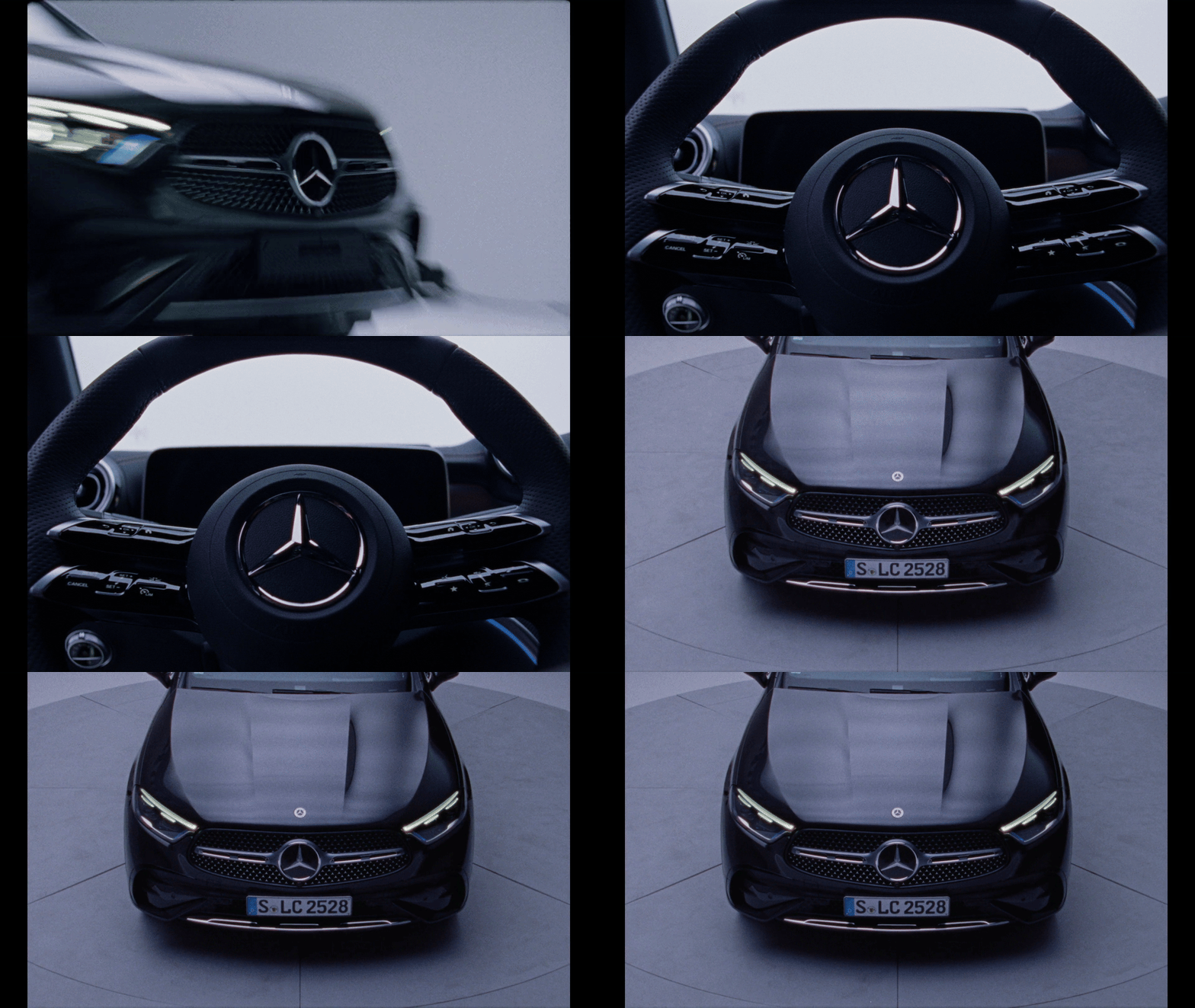
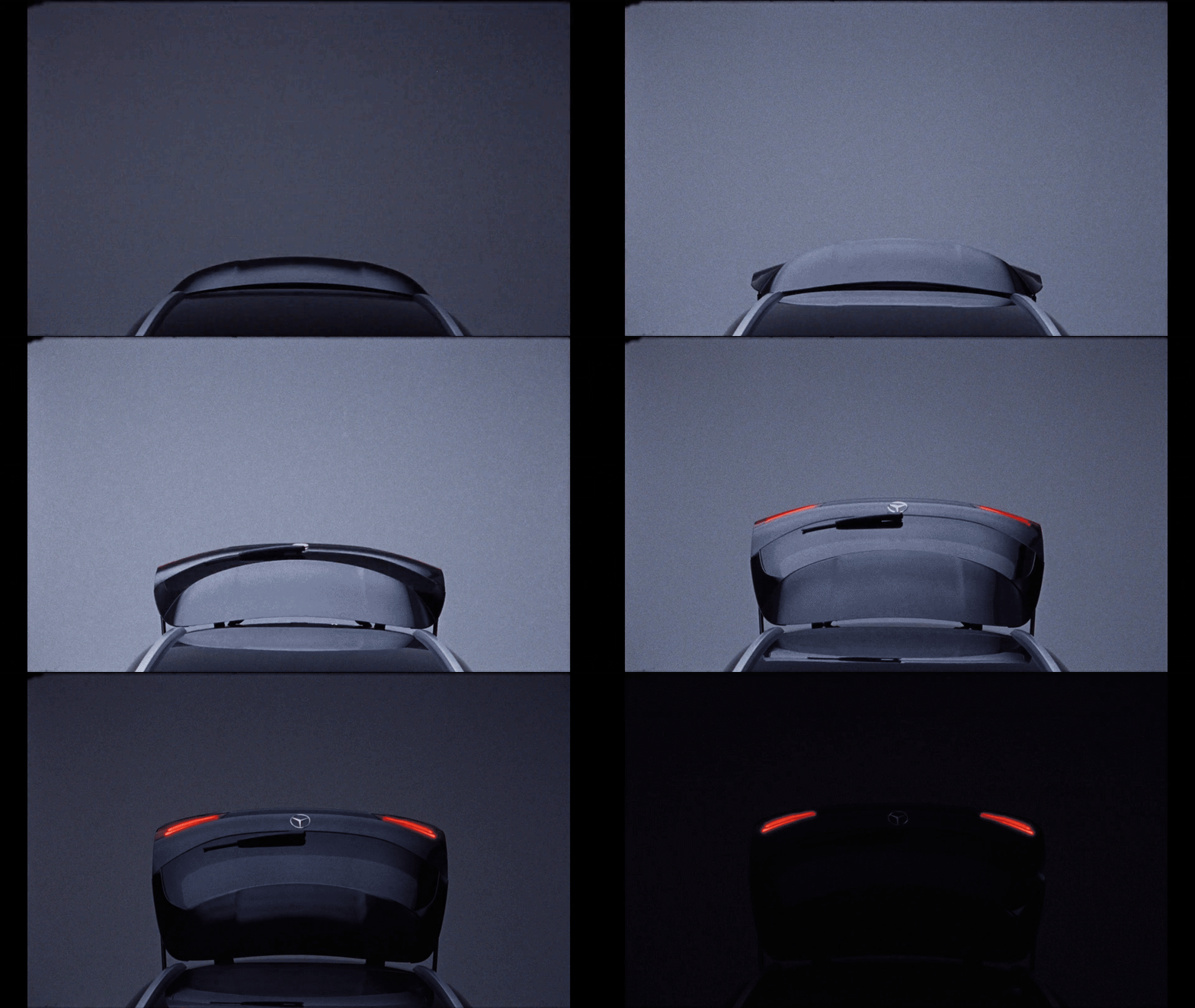
1. Paste a URL or upload a video
Drop in a link or file to get started.
Turn any video into GIFs, stills, and clips.
Try it out
GIFs Made in Bloom
Make your own in seconds.



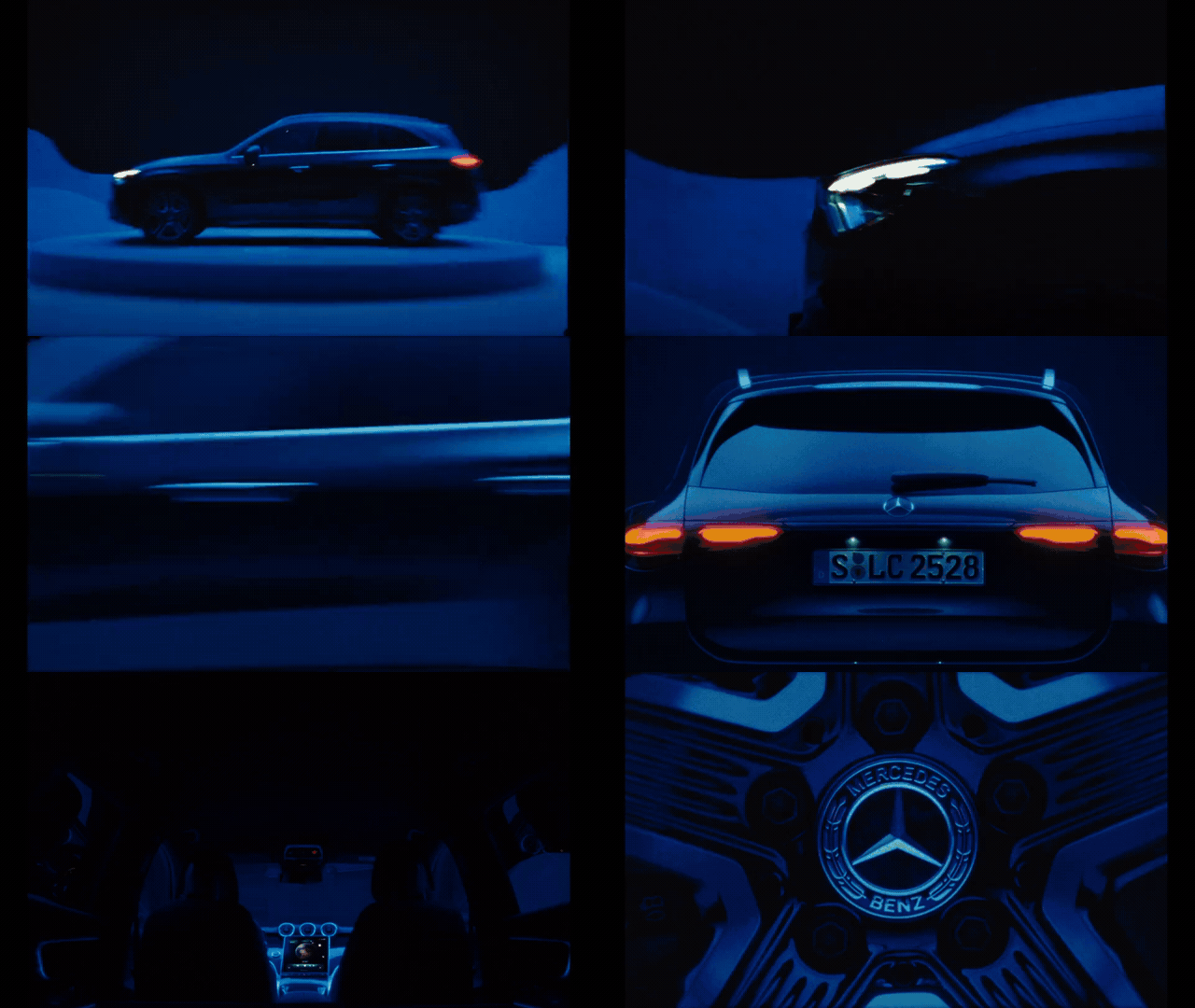
Trusted by creatives working with








Pull the perfect moment.
20x faster than using Premiere Pro
1. Paste a URL or upload a video
Drop in a link or file to get started.
2. Bloom auto-detects moments
Scene cuts surface the best frames instantly.
3. Browse GIFs, stills & clips
Trim, export, and save back to your library.
As a designer, Bloom allows me to switch seamlessly between GIF creation, asset management, and sharing links with directors for feedback on my image pulls. It's a valuable time saver and has quickly become one of my go-to tools.

Lindsay Sunada
Visual Research & Treatment Design
Bloom is one of the most intuitive and easy softwares I've used for organizing visuals for clients. The ability to make GIFs from links on any website and have it built into the image organization software is a game changer. I also love the ability to text links from Instagram or other sites and have it instantly in a folder.
Eno Freedman Brodmann
Visual Research & Treatment Design
FAQ
GIF Maker turns any video into GIFs, stills, and clips in seconds. Paste a link or upload a file, and Bloom finds the moments worth saving so you can trim, export, and drop them straight into your creative workflow.
You can paste a link from Vimeo, YouTube, or Instagram, or upload your own MP4, MOV, WebM, or AVI — up to 20 minutes and 1 GB. Bloom handles the rest — no downloads, converters, or editing software required.
Bloom runs scene detection across the whole video, so you can create a full set of GIFs, stills, and clips without scrubbing through every second yourself.
Yes. Set In and Out points on a filmstrip timeline, then capture a still, create a clip, or make a GIF. Keyboard shortcuts are included, so trimming stays fast even across a long video.
You can save them directly into your Bloom library and boards so they sit next to your other references, or download them for use in decks, treatments, and shotlists.
Yes. GIF Maker is part of Bloom, a workspace for creative thinking. Sign up for free to make GIFs, stills, and clips and save them alongside the rest of your visual research.
Making a set of GIFs, stills, and clips manually means downloading the file, opening an editor, trimming each moment, and waiting on exports. Bloom goes from video link to saveable moments in about twenty seconds, with no sketchy converter sites in between.